
Stockity Registration Guide: How to Sign Up and Log In
Registering on Stockity is the first step to accessing all the features the platform offers. The registration process is simple and straightforward: users only need to enter their personal details and complete account verification. This helps personalize the experience and ensures the profile is ready for using all available platform tools.
Logging in and Managing Your Account

After completing the sign up process, the next step is to log in and access your personal workspace on Stockity. You can sign in using the official link provided on the platform. From your account dashboard, you are able to:
- Review your trading history and performance statistics
- Adjust account preferences and settings
- Access educational tools and learning resources
- Keep all personal information secure and centralized
How to Start Using Stockity
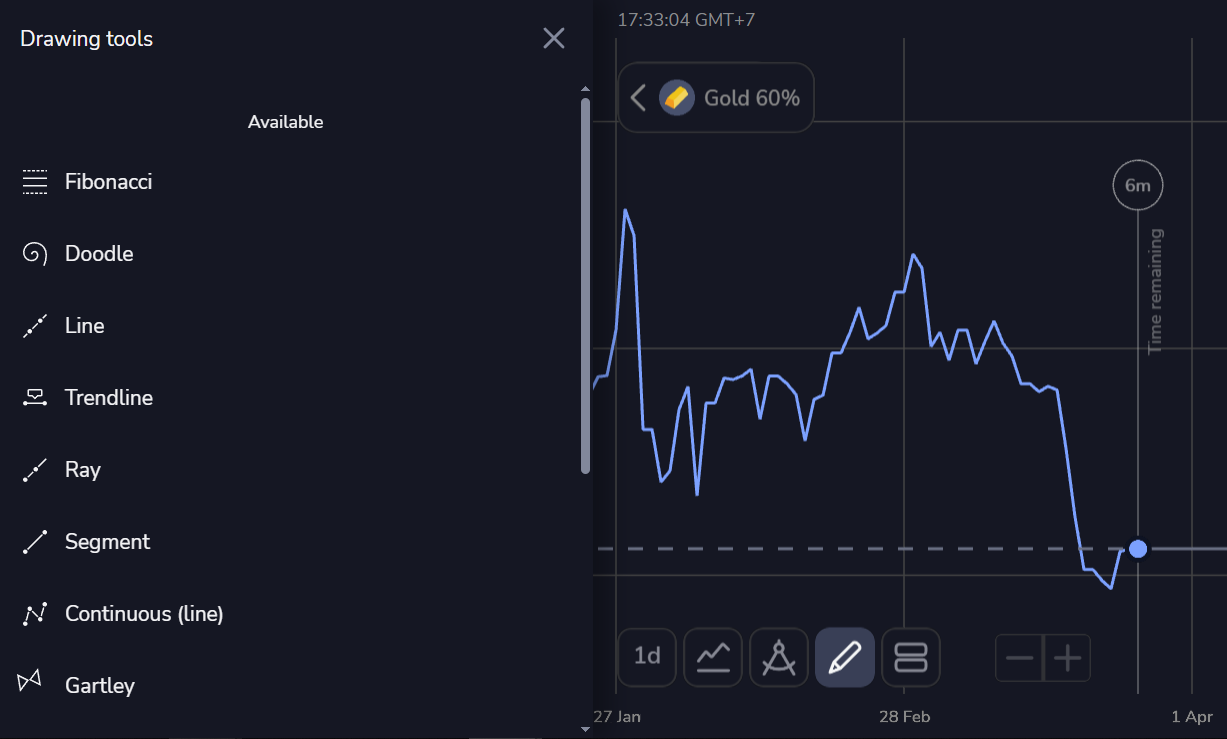
Learning how to start using Stockity requires understanding its main sections and tools. The platform offers interactive resources that explain how it works and how it can be used efficiently, including:
- Selecting from available assets such as stocks, indices, and metals
- Managing strategies and tracking results
- Viewing market trends and analyzing data
Ways to Improve Your Experience on Stockity
Understanding how Stockity works involves becoming familiar with its digital environment and developing informed decision-making skills. Key actions include:
- Testing strategies in practice accounts before investing real funds
- Following step-by-step tutorials and guides
- Adjusting actions according to personal goals and individual approach
Stockity combines a simple registration process with intuitive tools for learning and market analysis. From sign up and sign in to exploring the platform’s features, every stage is designed to provide an accessible and structured experience for all users.