
Stockity App: Mobile Trading Online, Download Options, and How the Application Works
The following guide provides a complete overview of the Stockity app, highlighting its core features, how to access the application on different devices, and the tools available to improve the user experience.
This article also explains what the Stockity app is, how it works, and outlines the steps for accessing the application across multiple devices.
What Is the Stockity App
The Stockity application is a modern platform designed to provide access to financial markets from virtually any device. It allows users to manage assets, monitor market movements, and analyze data in a convenient format.
Built as a flexible mobile solution, Stockity combines simplicity with functionality, making it suitable for both beginners and experienced users.
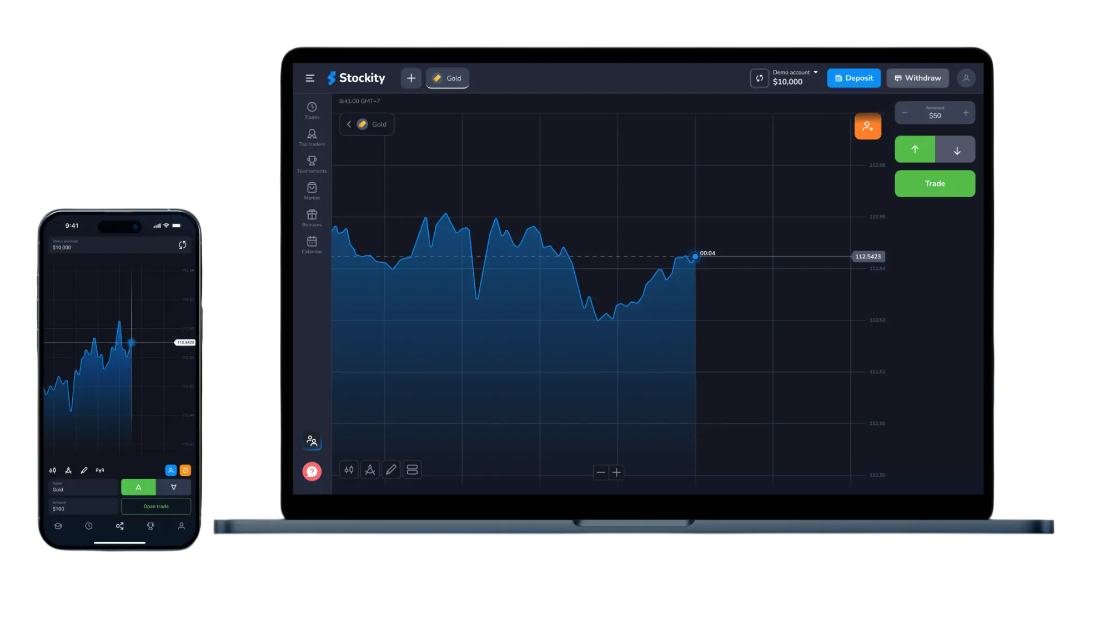
Thanks to its intuitive interface, the Stockity app supports working with markets on mobile devices, enabling users to explore tools, learn approaches, and improve skills without unnecessary complexity.
How the Stockity Application Works
The Stockity app mirrors the main platform in a mobile-friendly format while preserving core functionality. Users can rely on the application to handle essential actions, including:
- Monitoring price movements using linear charts
- Managing actions within the platform
- Accessing activity statistics and reports
- Using built-in analytical tools
This structure explains how the app works and why it is practical for users of different experience levels.
Android and APK Version

iOS Version
On iPhone and iPad, Stockity can be installed via the App Store. This version maintains the core features of the platform, allowing users to:
- Manage actions in real time
- Analyze assets such as stocks, indices, and metals
- Follow market trends using built-in tools
The iOS version provides a smooth experience comparable to desktop use.
Stockity for PC and Mac
For desktop users, there is no need to install additional programs. While some users search for downloading the Stockity app for PC, the platform works directly in a browser on both Windows and macOS.
This browser-based access provides full functionality—asset analysis, working with market movements, and account management—without requiring installation.
Getting Started With the Stockity App

Understanding how to use the Stockity app is straightforward and beginner-friendly. The basic workflow includes:
- Accessing or creating an account on the platform
- Exploring available assets such as stocks, indices, and metals
- Analyzing trends using charts and tools
- Applying selected approaches
- Monitoring results and adjusting actions over time
By following these steps, users can effectively interact with the platform and use it as a flexible tool for working with financial markets.